Screen recorder and sound recorder
Screen recorder with sound from the mic, the phone or both, at 720p or 1080p, 30 or 60 fps
- Record the whole screen, a part of it or a single app (Android 14+); blurred privacy boxes while recording; draw on screen
- Sound recorder and voice recorder with Voice or Music preset, bookmarks, M4A or WAV; an on-phone transcript where your phone supports the language
- Recording editor: trim, blur areas, and a privacy check that suggests what to blur
Pixmiro includes a screen recorder for Android and iPhone and a voice recorder with transcription, both saving straight to your phone. Your recordings never leave the handset, there is no watermark and no account. The recorder is part of Pro, which you can try for 14 days without payment.
How do you screen record with sound? Choose the source before you start: no sound, the microphone, the phone's own sound, or the microphone and phone sound together. You can keep the two tracks apart and set each volume later. Recordings are 720p or 1080p at 30 or 60 fps, with a countdown, pause and resume, mic mute and auto-stop after a set number of minutes.
The screen recorder on Android can capture the whole screen, a box you draw, or a single app on Android 14 and later. Privacy boxes are blurred inside the video while you record. A pen lets you draw on screen, a floating bubble sits over other apps, and a quick bar in the notifications plus Quick Settings tiles start a recording or take a screenshot that you can crop, blur and share.
On iPhone the recorder captures the whole screen only, started from the system Screen Broadcast sheet or Control Center, and phone sound is supported. You can also start it from Pixmiro widgets, Shortcuts, the Action Button, Back Tap or Siri, with a Live Activity while recording.
Before you share, the recording editor helps. Trim, cut out parts in the middle, mute ranges, change each track's volume and crop to 9:16, 1:1 or 16:9. Hide areas with blur, pixelate or black boxes, each with its own start and end time. A privacy check runs on the phone and points out e-mail addresses, phone numbers, card-like numbers, the keyboard while typing and faces; it suggests what to blur and you decide. Save a new copy, a smaller 720p video, a GIF or sound only as MP3.
The voice recorder on your phone has a timer, level meter, pause, bookmarks, Voice or Music presets and M4A or WAV output. Can it turn voice notes to text? Pixmiro writes out the speech on the phone, live where your phone allows, otherwise after you stop. It depends on your phone and language, so transcripts are not available everywhere. Recordings live in Audio > Recordings, where you can search the text.
Pixmiro brings together a reels and video player for your own photos and videos, a gallery, an audio player, a photo vault, a video compressor, a phone cleaner, a screen recorder and a sound recorder. No account, no adverts, nothing uploaded.
It all stays on your phone. Pixmiro works offline, and your photos, videos and files never leave the handset. The only thing it sends is an anonymous crash report, which you can switch off in Settings.
- Offline reels of your own photos and videos
- Offline video player
- Photo gallery
- Audio player and music player
- Photo vault: Hide photos and videos
- Video compressor, converter and editor
- Phone cleaner and storage
- Screen recorder and sound recorder
- Search, memories and extras
- 01
Offline reels of your own photos and videos
Swipe up through your own videos and photos full screen, the way you scroll reels
- 02
Offline video player
A video player for MP4, MKV, AVI and more, from 0.25x to 3x, with a frame preview as you scrub
- 03
Photo gallery
Quick gallery with no adverts: 2 to 6 columns, timeline, calendar, albums, favourites, 30-day bin
- 04
Audio player and music player
An audio player for every song, voice note and recording on the phone: tracks, albums, artists, genres, folders
- 05
Photo vault: Hide photos and videos
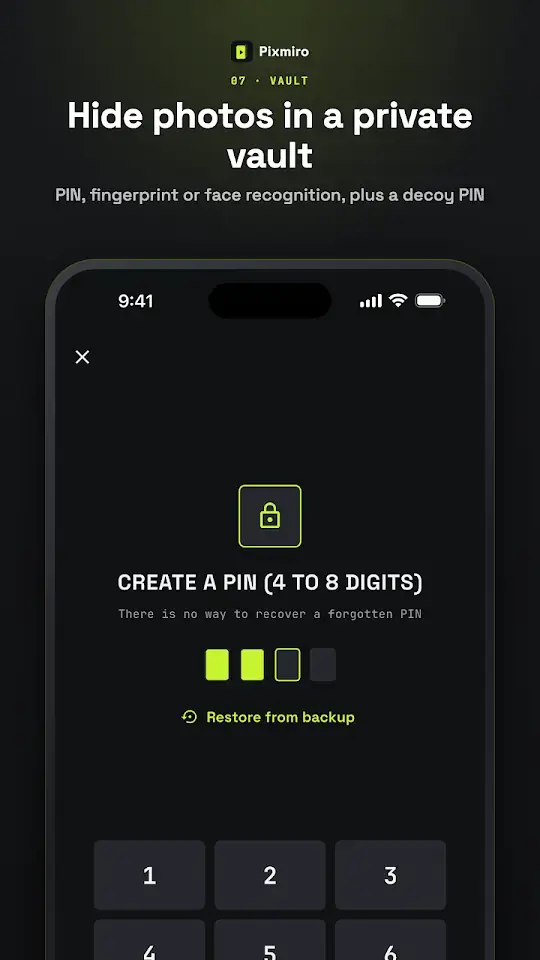
Hide photos and videos in a photo vault encrypted with AES-256, unlocked by PIN or fingerprint
- 06
Video compressor, converter and editor
Video compressor by preset, target size or manual settings, with HEVC and batch compression
- 07
Phone cleaner and storage
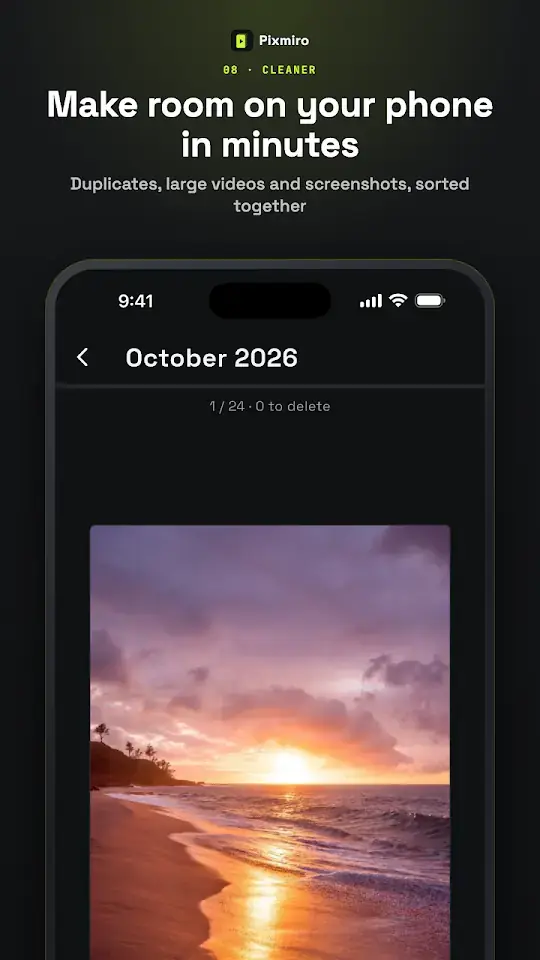
Duplicate photos remover, similar and blurry shots, large videos, screenshots and chat app media
- 09
Search, memories and extras
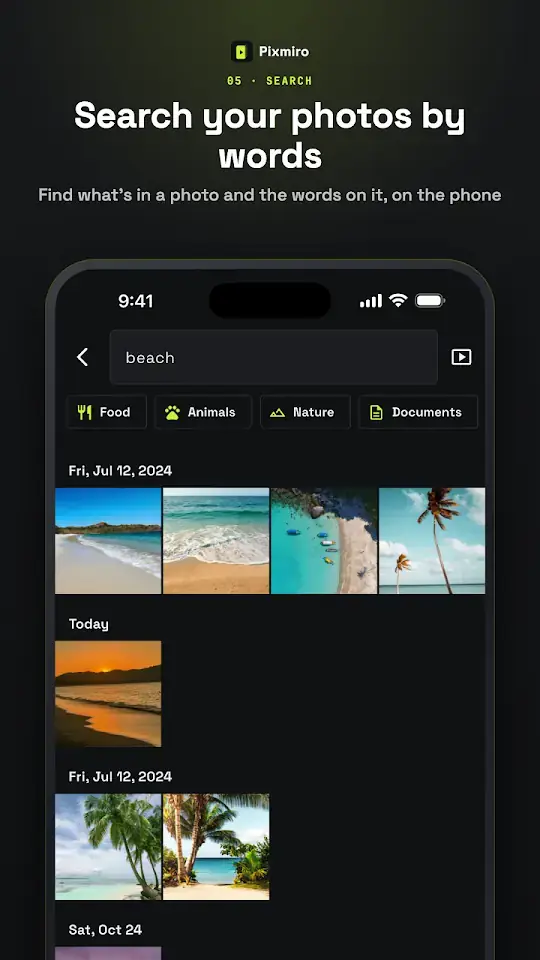
- Search by what is in a photo or the text inside it; people and places
- Stories, memory videos, photo slideshow and home-screen widgets
- Share without location, export to PDF or ZIP, back up tags and settings to your own Google account
It all stays on your phone.
Pixmiro works offline, and your photos, videos and files never leave the handset. The only thing it sends is an anonymous crash report, which you can switch off in Settings.
Pixmiro Pro
Reels, the gallery and the players are open to all. Try every Pro feature, the recorders included, for 14 days with no payment. After that, Pro is a one-off purchase for life. No subscription, nothing renews.